Is 1 Second Everyday Free? Pricing and Plans Explained (2026)
 Allison HewellOctober 13, 20266 min read
1 Second Everyday made the one-second-a-day video diary famous. If you are thinking about trying it, or wondering whether to upgrade, the first question is usually the same: is it actually free?
The short answer is yes, with limits. The app is free to download and use, but the features most people want after a few weeks sit behind a subscription.
Here is exactly what you get, what it costs, and what your options are.
Prices in this post come from the US App Store listing for 1 Second Everyday as of October 2026. Prices can differ by country and between iPhone and Android, so check the store before you buy.
What You Get for Free
The free version of 1 Second Everyday covers the core idea. You can record a short clip each day, build a project, and watch your clips play back as one video.
What the free version does not include is everything listed under Pro below. In practice, that means one short snippet per day, the 1SE date and logo at the end of your exported videos, limited backup, and a limited number of projects.
For a lot of people, that is enough to try the habit. The limits usually start to matter after a few months, once you have footage you do not want to lose.
How Much 1 Second Everyday Pro Costs
1 Second Everyday sells a Pro subscription plus two one-time add-ons.
| Purchase | Price | Type |
|---|---|---|
| 1SE Pro Monthly | $9.99 | Subscription, per month |
| 1SE Pro Yearly | $49.99 | Subscription, per year |
| Unlimited Backup | $4.49 | One-time purchase |
| Remove 1SE Watermark | $4.99 | One-time purchase |
The yearly plan works out to about $4.17 a month, so it is far cheaper than paying monthly if you plan to stick with it.
What Pro Adds
According to the App Store listing, 1SE Pro includes:
- Unlimited backup of your clips
- Unlimited snippets, so you can add several separate clips in a day
- Longer snippets, up to 10 seconds each
- No 1SE branding, which removes the date and logo at the end of your videos
- Unlimited projects, for both Freestyle and Journal projects
- Licensed music you can add to your compilations
What It Costs Over Time
A video diary is a long-term habit, so it is worth looking at the cost over years rather than months.
| How long you keep it | Pro Monthly | Pro Yearly |
|---|---|---|
| 1 year | $119.88 | $49.99 |
| 3 years | $359.64 | $149.97 |
| 5 years | $599.40 | $249.95 |
If you record for five years on the yearly plan, you will have paid about $250. That is the trade-off with any subscription: the price is small each year, but it never stops.
Is 1 Second Everyday Pro Worth It?
It depends on what you need.
Pro makes sense if you want several clips a day, clips longer than a second or two, licensed music, and backup in one package, and you are happy to pay every year.
You may not need Pro if you only want to remove the watermark or back up your clips. Both are sold as one-time purchases, $4.99 and $4.49. Together that is less than one month of Pro Monthly. Check what each add-on covers on your device before buying.
A one-time purchase app may suit you better if you know you want the full experience for years and would rather not have another subscription.
Cheaper Alternatives
If the subscription is what puts you off, there are good options that cost less over time.
- One Second Diary is free and open source. It is simple, with no account and no watermark, but has fewer features.
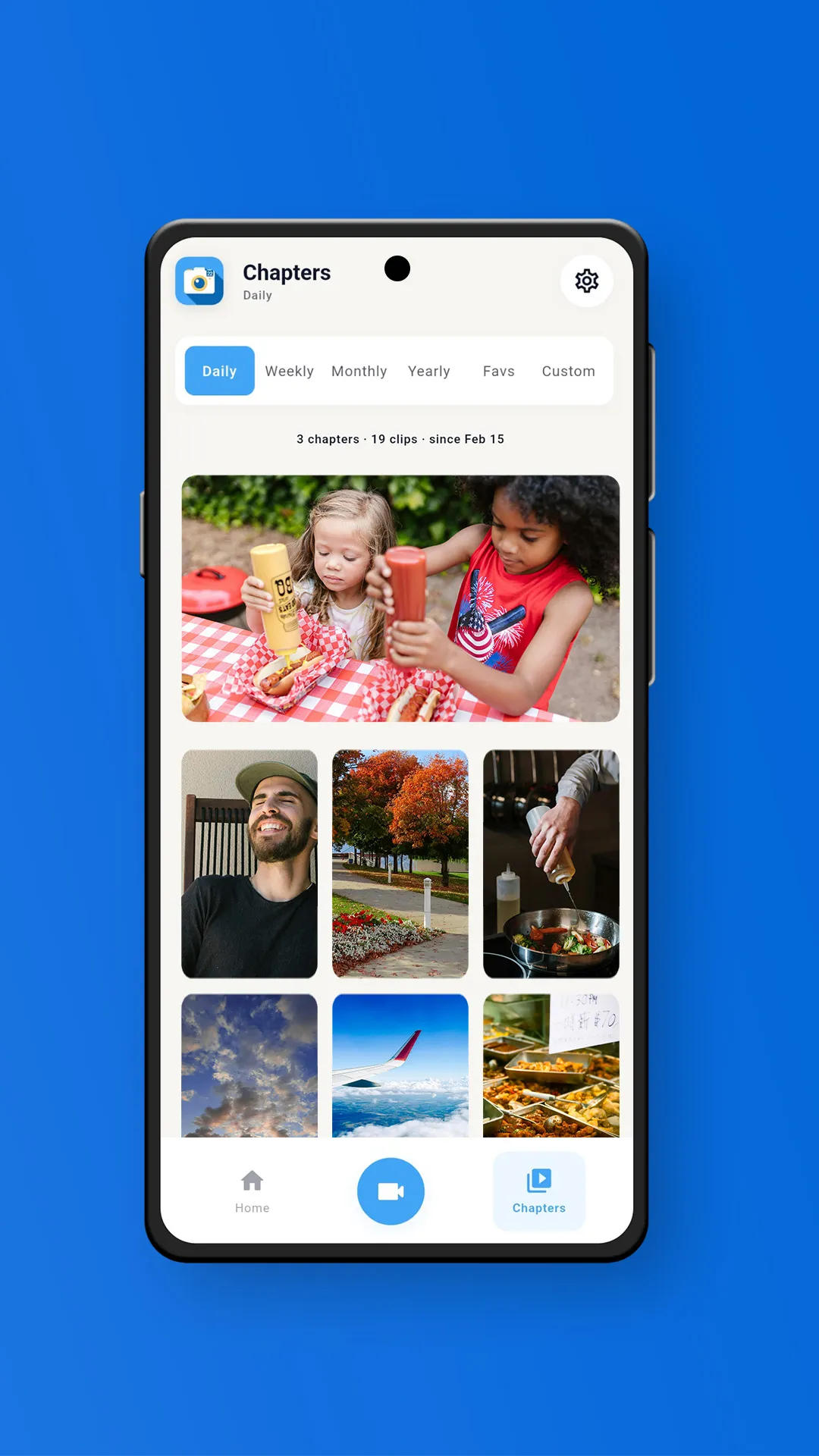
- Memovi has a free plan with 3 clips a day and automatic daily chapters. Pro is a one-time purchase that adds weekly, monthly, and yearly chapters, unlimited clips, music, and no watermark. Your videos stay on your phone, and cloud backup is optional.
We compared eight options in detail in our guide to the best 1 Second Everyday alternatives. For a wider look, see the 10 best video diary apps.
How to Cancel 1 Second Everyday Pro
1SE Pro renews automatically through your app store, so you cancel it there, not in the app.
- iPhone: Open Settings, tap your name, tap Subscriptions, choose 1 Second Everyday, and tap Cancel Subscription.
- Android: Open the Google Play Store, tap your profile picture, go to Payments and subscriptions, then Subscriptions, choose 1 Second Everyday, and tap Cancel subscription.
Before you cancel, export or back up any videos you want to keep.
Frequently Asked Questions
Is 1 Second Everyday free?
Yes. The app is free to download and use, with in-app purchases. The free version lets you record and compile daily clips. Pro adds unlimited backup, multiple and longer snippets, no branding, unlimited projects, and licensed music.
How much is 1 Second Everyday Pro?
On the US App Store, 1SE Pro costs $9.99 per month or $49.99 per year, as of October 2026.
Can I remove the 1 Second Everyday watermark without subscribing?
The App Store lists a one-time "Remove 1SE Watermark" purchase for $4.99, separate from the Pro subscription.
Does 1 Second Everyday have a lifetime plan?
Older reviews mention a lifetime option. The current US App Store listing only shows the monthly and yearly Pro plans, plus the two one-time add-ons.
What is a free alternative to 1 Second Everyday?
One Second Diary is completely free and open source. Memovi has a free plan with automatic daily chapters, and a one-time purchase if you want more.
The Bottom Line
1 Second Everyday is free to start, and the free version is a fine way to find out whether the habit sticks. If it does, Pro costs $49.99 a year, which adds up to around $250 over five years.
If you would rather pay once and keep your videos on your own phone, try Memovi. It is free on the App Store and Google Play.
1 Second Everyday is free with limits. Pro costs $9.99 a month or $49.99 a year. Watermark removal ($4.99) and backup ($4.49) are also sold as one-time purchases. If you want a video diary without a subscription, Memovi and One Second Diary are worth a look.

Allison Hewell
LPC-AContributing Writer & Mental Health Expert
Allison is a licensed therapist specializing in trauma therapy. She writes about the mental health benefits of video journaling and building healthy daily habits.
Connect on LinkedIn