Memovi Update: Memory Map, Google Photos, and Faster Imports
Memovi Update: Memory Map, Google Photos, and Faster Imports
A lot has changed since our last update. Your moments now have a map, you can import straight from Google Photos, and importing old clips is much faster. Here is everything new in version 2.9.
Your Memory Map
The new Map tab shows every moment that has a location as a pin. Zoom out to see everywhere you have been this year. Tap a pin to open the moments you captured there.
Clips you imported before this update are added to the map too, as long as the original video or photo has location data. Pins that sit close together are grouped, so the map stays readable even after hundreds of days.
The Memory Map is free for everyone.
Import From Google Photos
On Android, a new Pick from Photos option on the import screen opens your phone's own photo picker. That includes videos that only live in Google Photos, not just the ones stored on your phone. Memovi does not need permission to read your gallery for this. You choose the clips, and the app only sees what you pick.
Quick Import has also become smarter. It now shows what it found and lets you choose between videos, photos, or both.
Long Clips Import in Seconds
Imports used to convert each video before saving it, which took a while for long clips. Memovi now keeps your original file exactly as it is, at full length. You pick the 10 seconds you want in the editor, and the app handles the rest when it builds your chapter.
Chapters That Finish on Their Own
Auto-created chapters now keep going even after you close the app. If you change your mind, you can cancel a chapter straight from its notification.
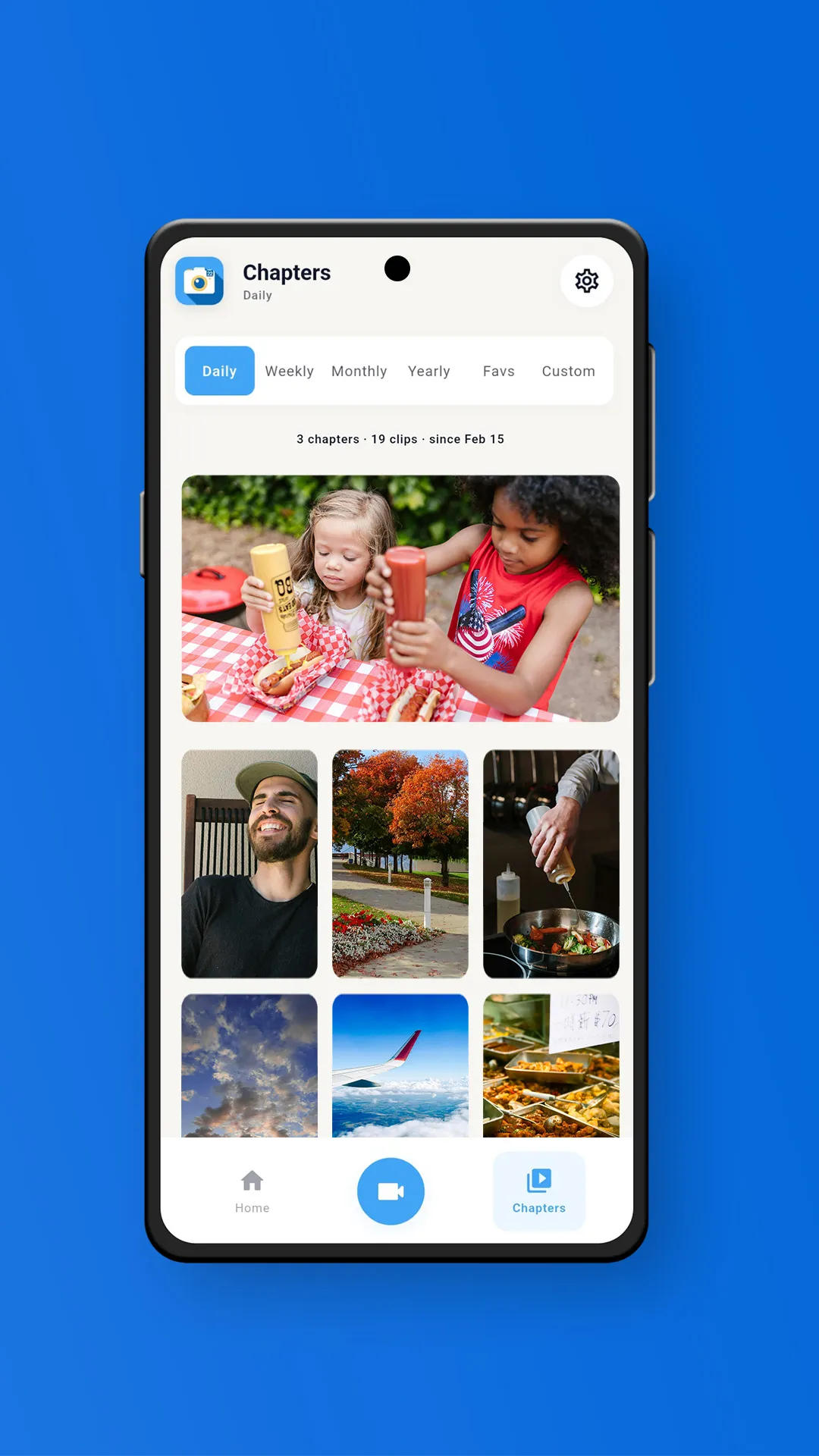
Imports and chapters also no longer compete for your phone's processor. Each one shows what it is waiting on, and days that are still processing are marked in the Chapters tab, so you always know where things stand.
Memovi in Seven Languages
Memovi now speaks English, German, Spanish, French, Portuguese, Hindi, and Japanese. It follows your phone's language by default, or you can pick one in Settings.
Reliability Fixes
We spent a lot of this release on the bugs you reported. Thank you for sending them in.
- Chapters that stopped partway. Some chapters ended early with a playback error. Affected chapters are repaired automatically the first time you open the app after updating.
- Monthly chapter audio. Imported videos could freeze or sound wrong in weekly and monthly chapters. That is fixed. If you have an affected chapter, recreate it to rebuild it.
- Portrait chapters. Portrait clips imported from your gallery could end up in a landscape chapter. Recreate the chapter and it will come out the right way round.
- Camera first launch. The camera no longer freezes on the countdown the very first time you open the app.
- Faster rotation. Rotating a clip in the editor is much quicker and now shows progress.
Smaller Touches
- Clearer thumbnails. Each moment now shows whether it is a video or a photo, plus its length.
- Readable overlays. Dates, locations, and notes sit on a soft gradient band, so they stay clear on bright or busy footage.
- Your choice of navigation bar. In Settings, switch between the full bottom bar and a minimal one.
- Sync with Gallery asks first. It now shows what it is about to import instead of importing quietly.
---
What Is Next
We keep building Memovi around what you tell us. Send feedback to hello@memovi.app or through Settings > Help in the app. New to video journaling? Here is our guide on how to start a video journal.
Memovi 2.9 is rolling out now on Google Play. Update to see your Memory Map, faster imports, and a long list of fixes.
Memovi Team
The Memovi Team
The team behind Memovi, dedicated to helping you capture and preserve your daily moments.